
AI Video Generator
Create AI videos from text or images. Choose 5 or 10 seconds and download your video with sound.
Your images. Now in motion.
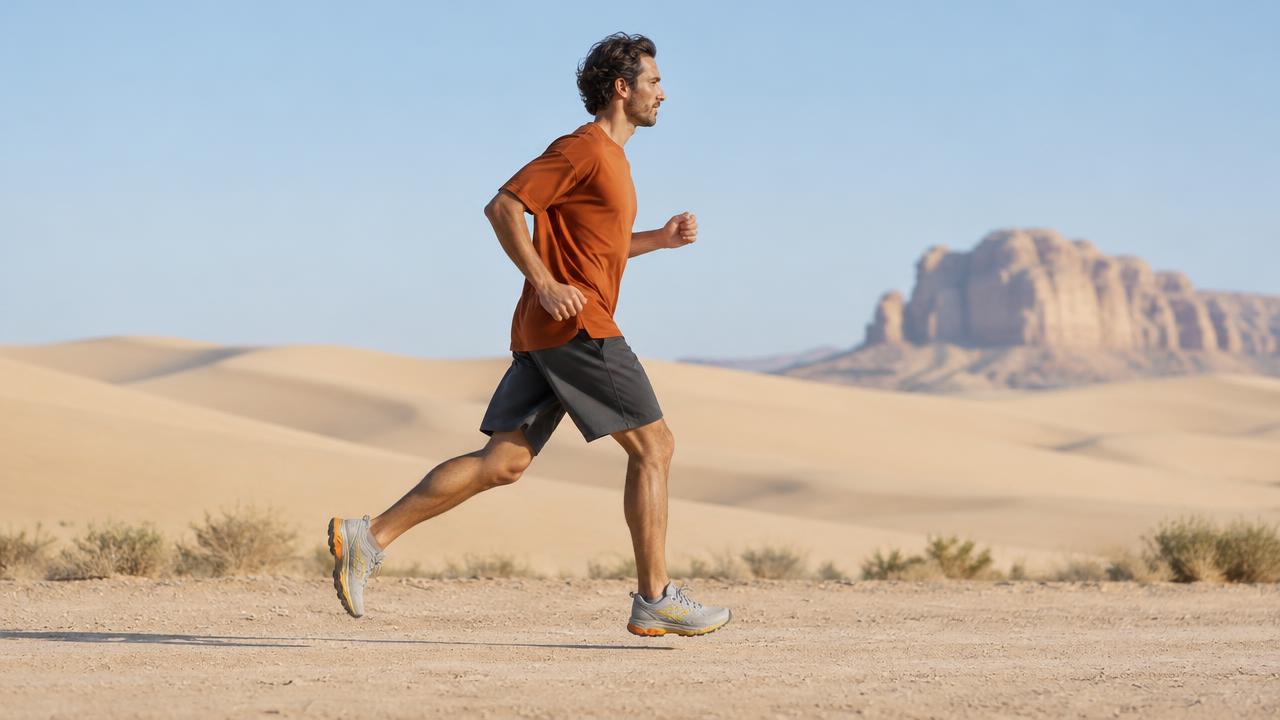
Start with a photo and describe the movement. In this example, a still image of a runner becomes a short video. Try the same approach with a product shot or illustration.
FAQs.
How to start with text or an image, guide the movement and download your video.
Compare plansHow do I create a video from text?
Sign in and describe the subject, setting and movement you want to see. Open Video settings to choose a style, format and duration, then select Generate. Text-to-video creates a clip from your prompt, so you do not need to upload an image.
How do I turn an image into a video?
Upload one JPG, PNG or WebP image up to 5 MB, describe how it should move and choose a duration. Select Generate to animate the photo. You can also open one of your saved images and select Animate. Need a starting image? Create one with the AI image generator.
What should I write in a video prompt?
Describe the main action and how the camera should move. For example: A runner moving from left to right across a desert trail, side view, steady camera and soft daylight. Keep a short clip focused on one action. For image-to-video, focus on the movement you want to add to the existing scene.
How long are the generated videos?
Choose 5 or 10 seconds in Video settings before generating. Both durations work with text prompts and uploaded images. The credit cost beside Generate updates when you change the duration.
Which video aspect ratios can I choose?
For text-to-video, choose square (1:1), vertical (9:16), landscape (16:9) or ultrawide (21:9). Auto uses 16:9. Vertical suits TikTok, Reels and Shorts, while landscape works for wider scenes. For image-to-video, the source image guides the look and framing.
Do AI-generated videos include sound?
Yes. Videos are generated with sound. You can describe ambient audio, such as wind or footsteps, in your prompt. The examples on this page start muted; use the speaker control to listen.
Is the AI video generator free to use?
Video generation is available on paid plans and uses the credits shown beside Generate. This applies to both text-to-video and image-to-video. Daily free credits are for image generation.
How do I download my video?
Open the finished video and select Download to save the MP4 file. Recent videos and their prompts are also available in your profile. Download the clips you want to keep; your profile gallery is not permanent storage.
From text or image to video.
Turn a text prompt into a video or add motion to a still image. Try a short product video, a moving illustration or a scene for social media.